Enhance your work experience with seamless communication and efficient outreach.
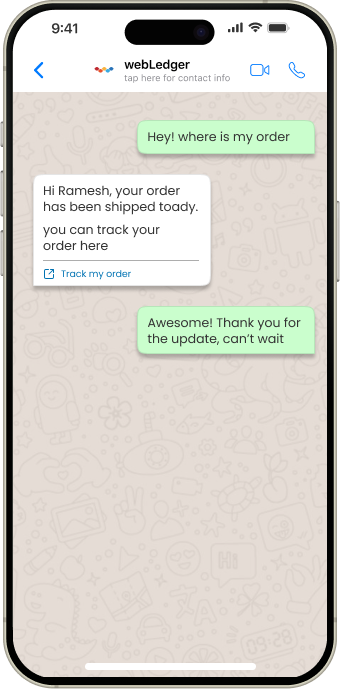
Direct WhatsApp Messaging from System
1
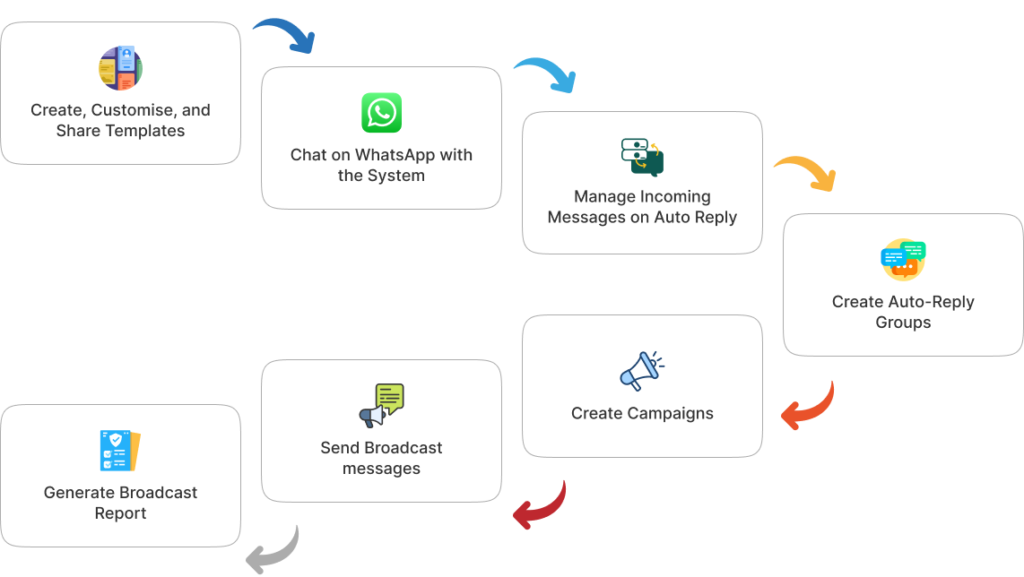
Send messages instantly from WebLedger to multiple clients via WhatsApp, effortlessly.
Bulk Messaging Made Easy
2
Reach numerous clients at once with quick, automated bulk WhatsApp messaging.
Pre-defined Templates for Efficiency
3
Utilise ready-to-use message templates for consistent and professional communication.
WhatsApp Message Tracking & Time Logs
4
Monitor sent messages and timestamps for streamlined communication and follow-ups.
Who Can Use It
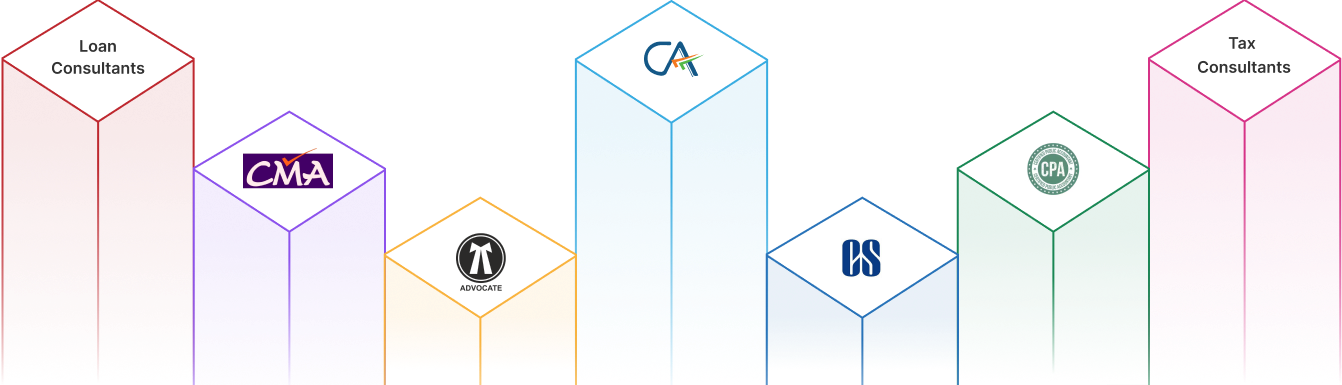
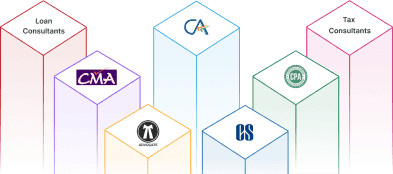
From Retail to Corporate, Businesses to Professionals, and Small to Enterprise level firms, we provide tailored solutions to various industries, helping each sector grow with our expertise.
Benefits: That your Team can’t miss
Direct WhatsApp Messaging from System
Saves time by eliminating manual message forwarding.
Ensures seamless client communication directly from the system.
Pre-defined Templates for Efficiency
Maintains consistency in messaging, ensuring professionalism.
Speeds up response time with ready-made templates.
WhatsApp Message Tracking & Time Logs
Provides visibility on sent messages and client interactions.
Helps track communication history for better follow-ups.
Bulk Messaging Made Easy
Reaches multiple clients at once, boosting engagement effortlessly.
Reduces workload by automating mass communication.
Your Office
Your Workflow
Frequently
Asked Questions
Quick answer to questions you may have.
What is WhatsApp Automation in WebLedger?
It automates client messaging, enabling bulk messages, templates, and real-time tracking.
How does direct WhatsApp messaging work?
You can send messages instantly from WebLedger to multiple clients without manual forwarding.
Can I send bulk messages to multiple clients?
Yes, bulk messaging allows you to engage multiple clients at once efficiently.
What are pre-defined message templates?
They are ready-to-use formats ensuring quick, consistent, and professional communication.
How does WhatsApp message tracking help?
It logs message timestamps, ensuring streamlined follow-ups and improved client interactions.
Which industries can benefit from this module?
Businesses needing client communication, including finance, retail, healthcare, and service sectors.
Can I customise templates for messages?
Yes, pre-defined templates can be tailored to fit business needs and branding.
Does WebLedger support multimedia messaging?
It primarily supports text messaging; additional media options depend on WhatsApp compatibility.
How does this module enhance efficiency?
It automates communication, reducing manual effort, and saving valuable time.
Is message scheduling available?
Currently, messages must be sent manually; future updates may include scheduling options.
Streamline Your Business Today!
Discover the all-in-one solution for Accounting, Office Management, and CRM. Simplify tasks, boost efficiency, and grow smarter.